
Zapya
Zapya is a free Android app from DewMobile for sharing files between nearby phones, tablets and computers without using mobile data.
25.2 MB
4.4.3.7 · ES APP Group · Page updated
ES File Explorer is a file manager for Android from ES APP Group for browsing, copying, moving and organising files on a phone or tablet.
Average 0.0 · ratings: 0
Thank you! Your rating is saved; you can change it. Could not save the rating. Please try again later. Too many ratings from your network today. Please try again tomorrow. The average appears after 5 ratings.
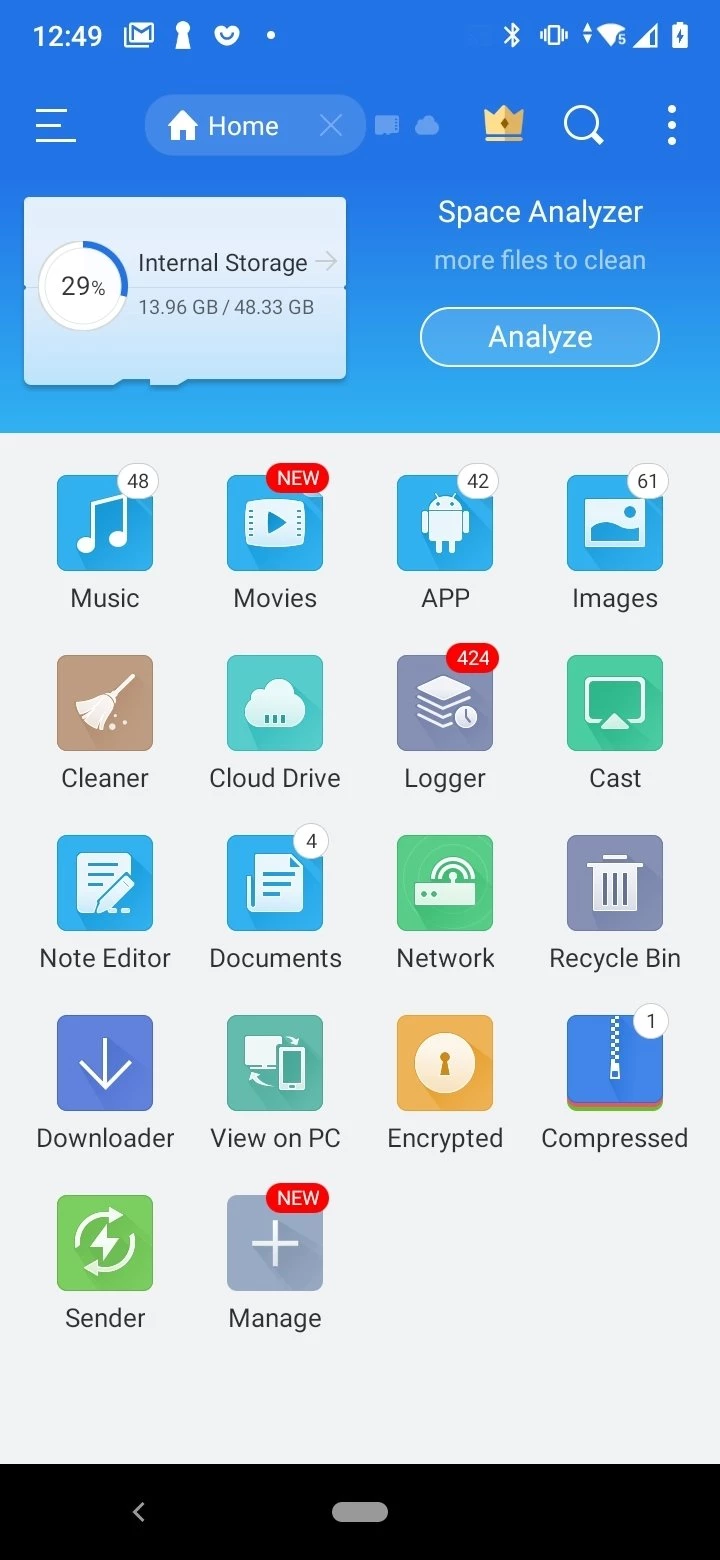
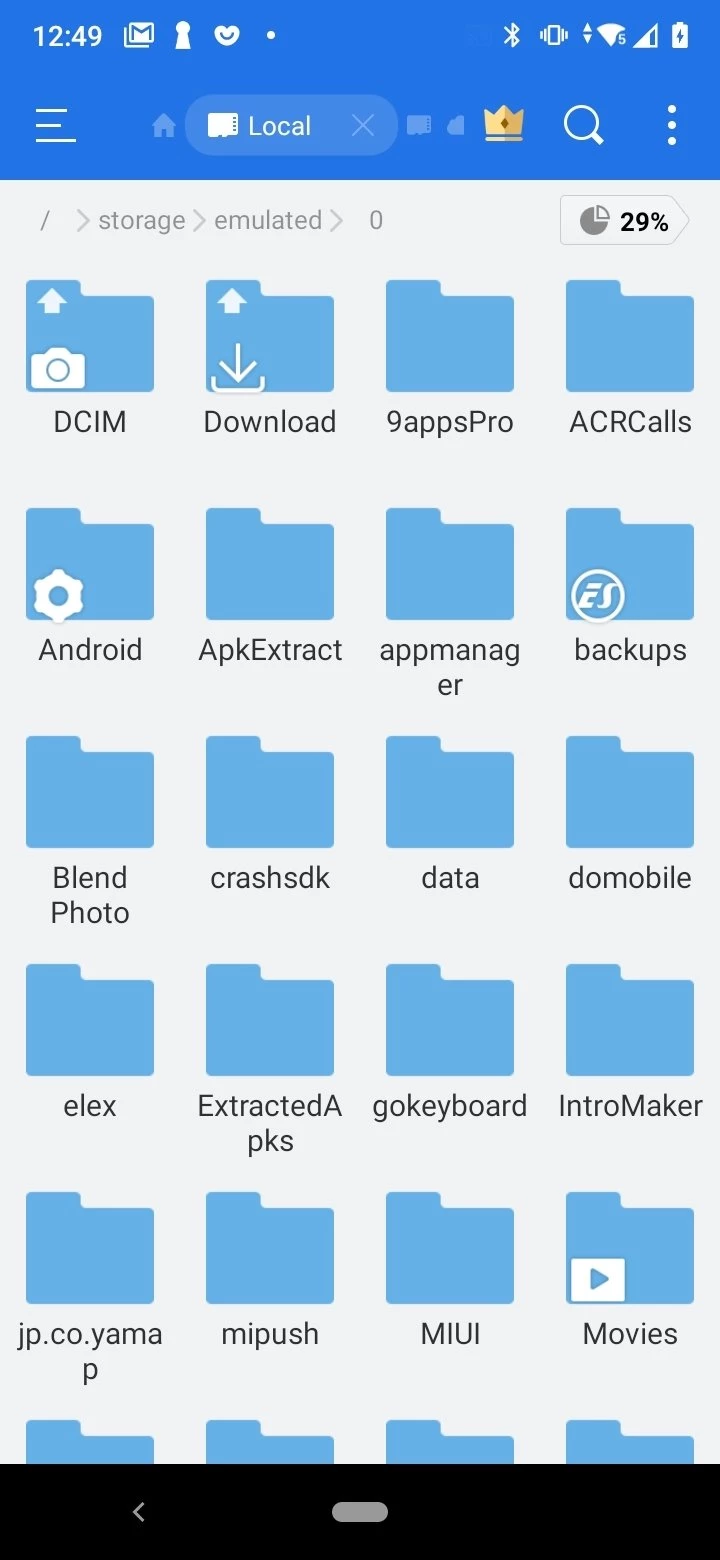
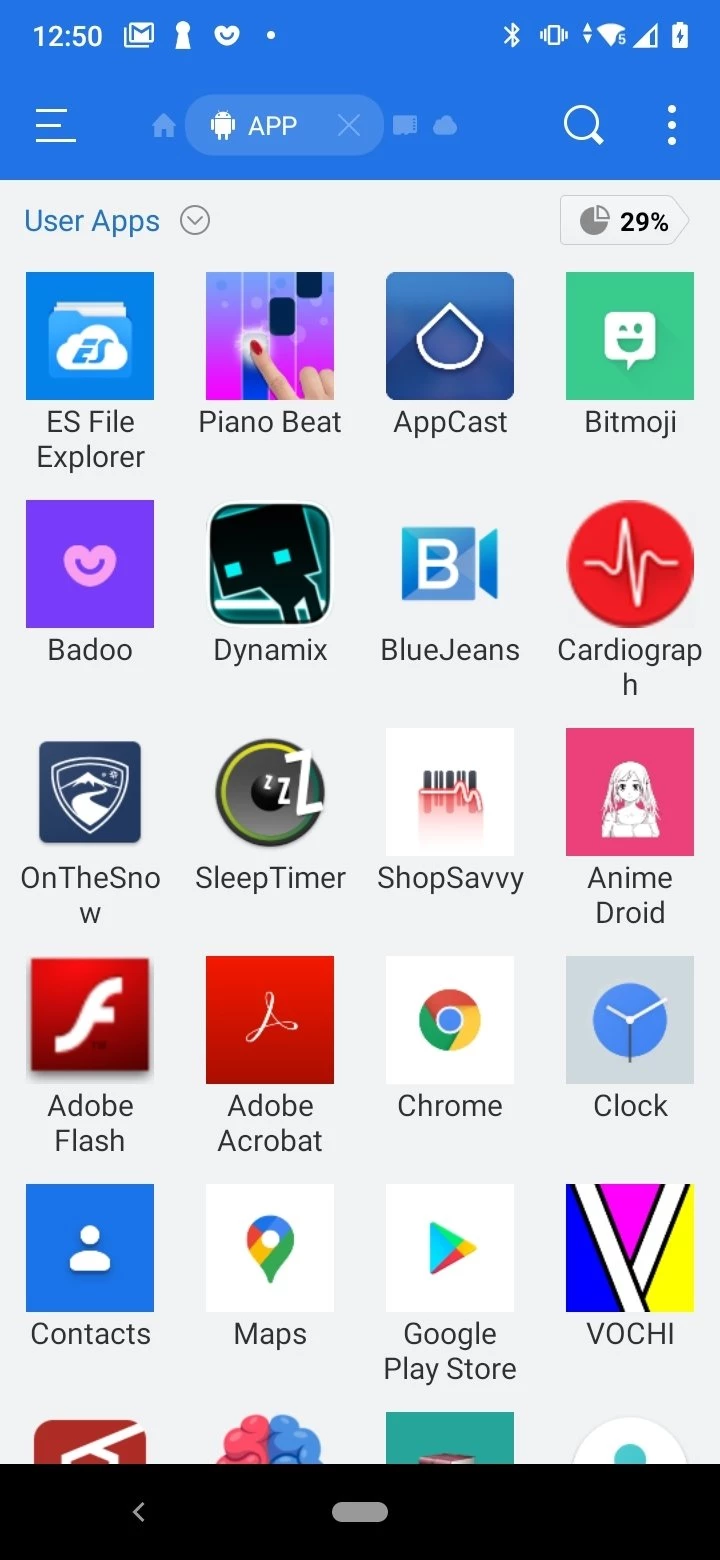
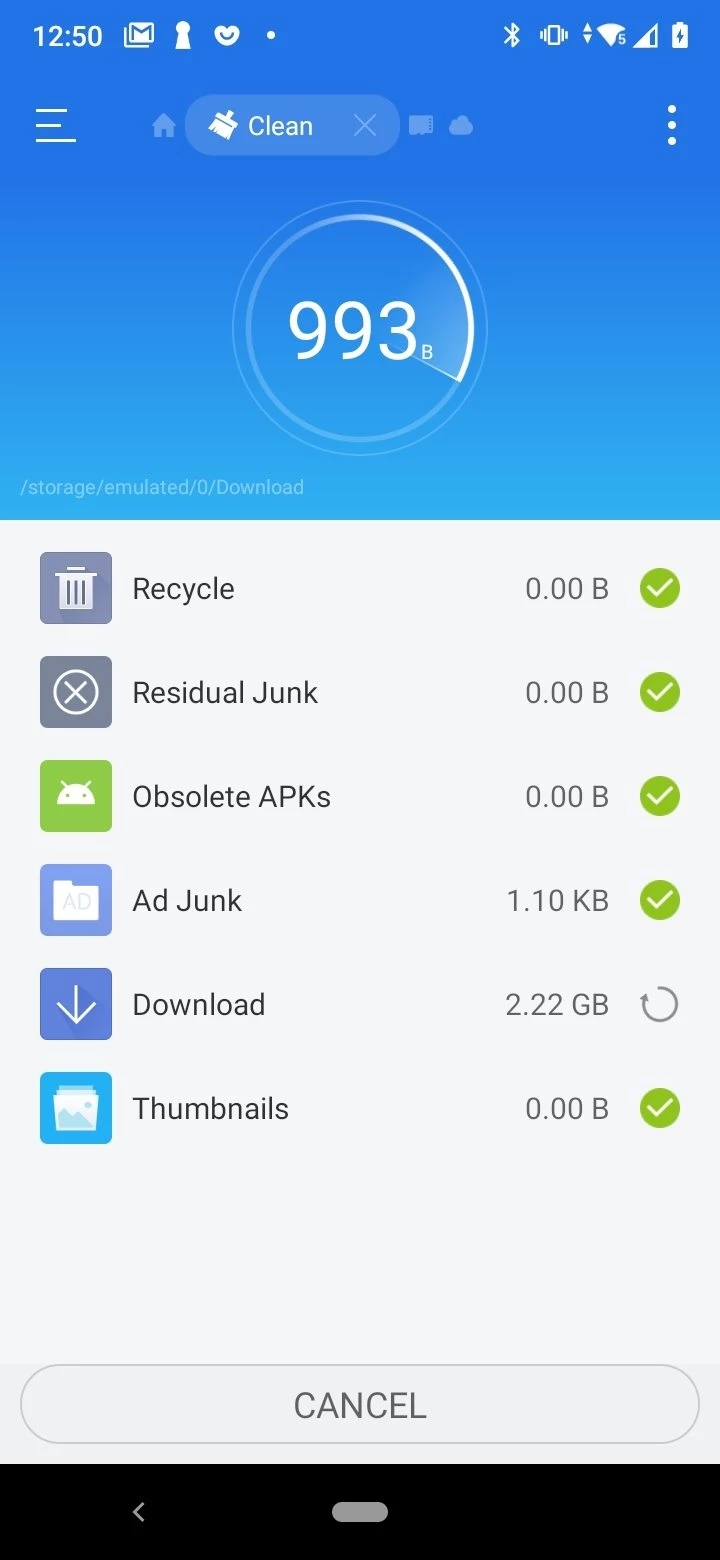
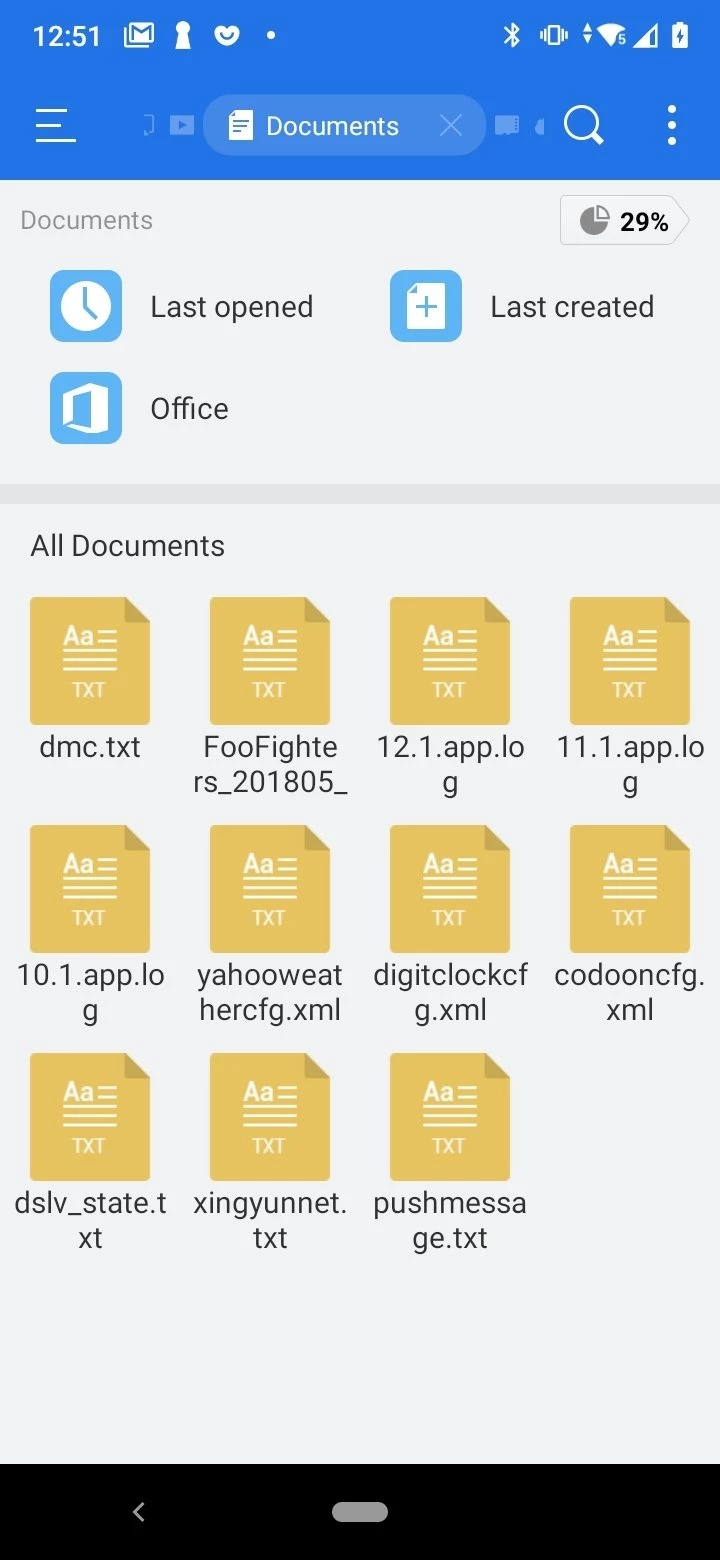
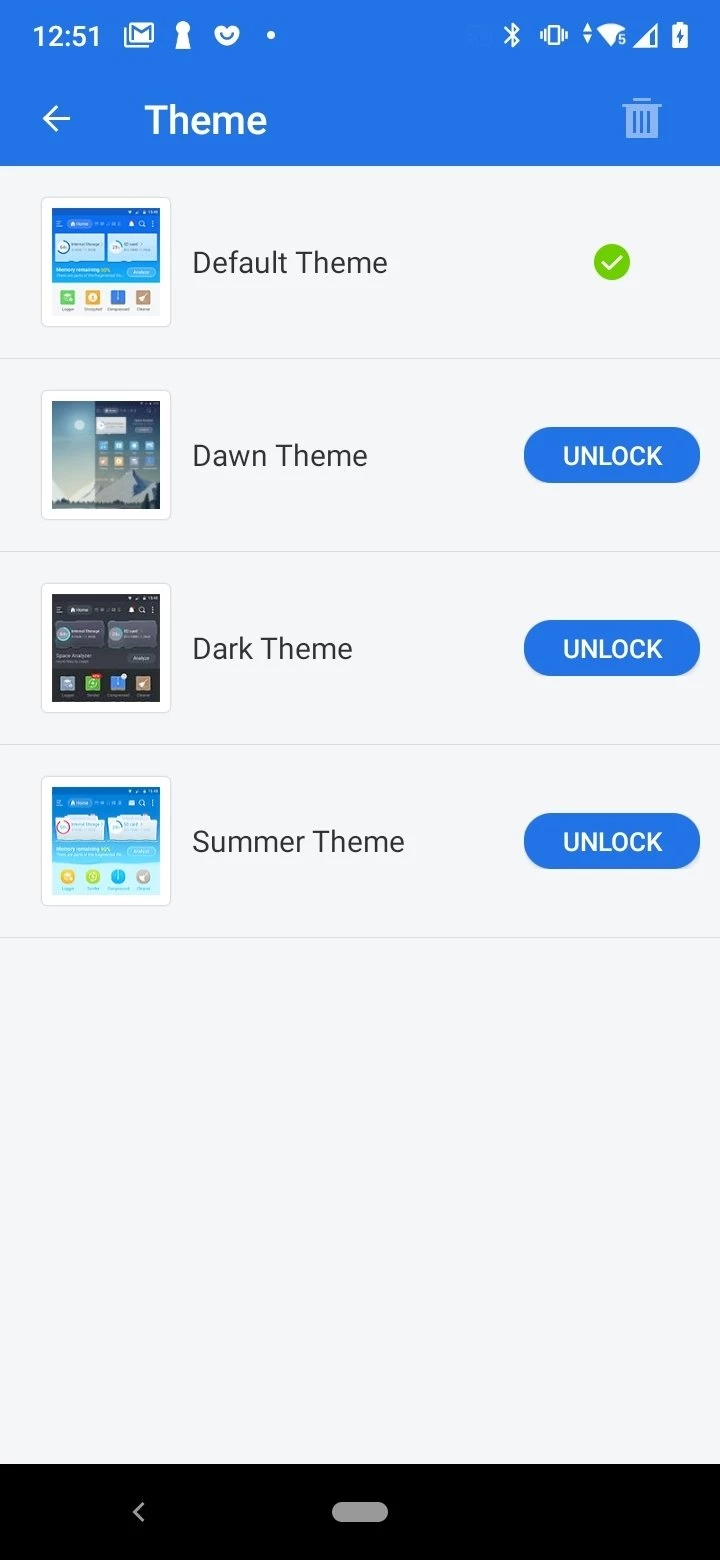
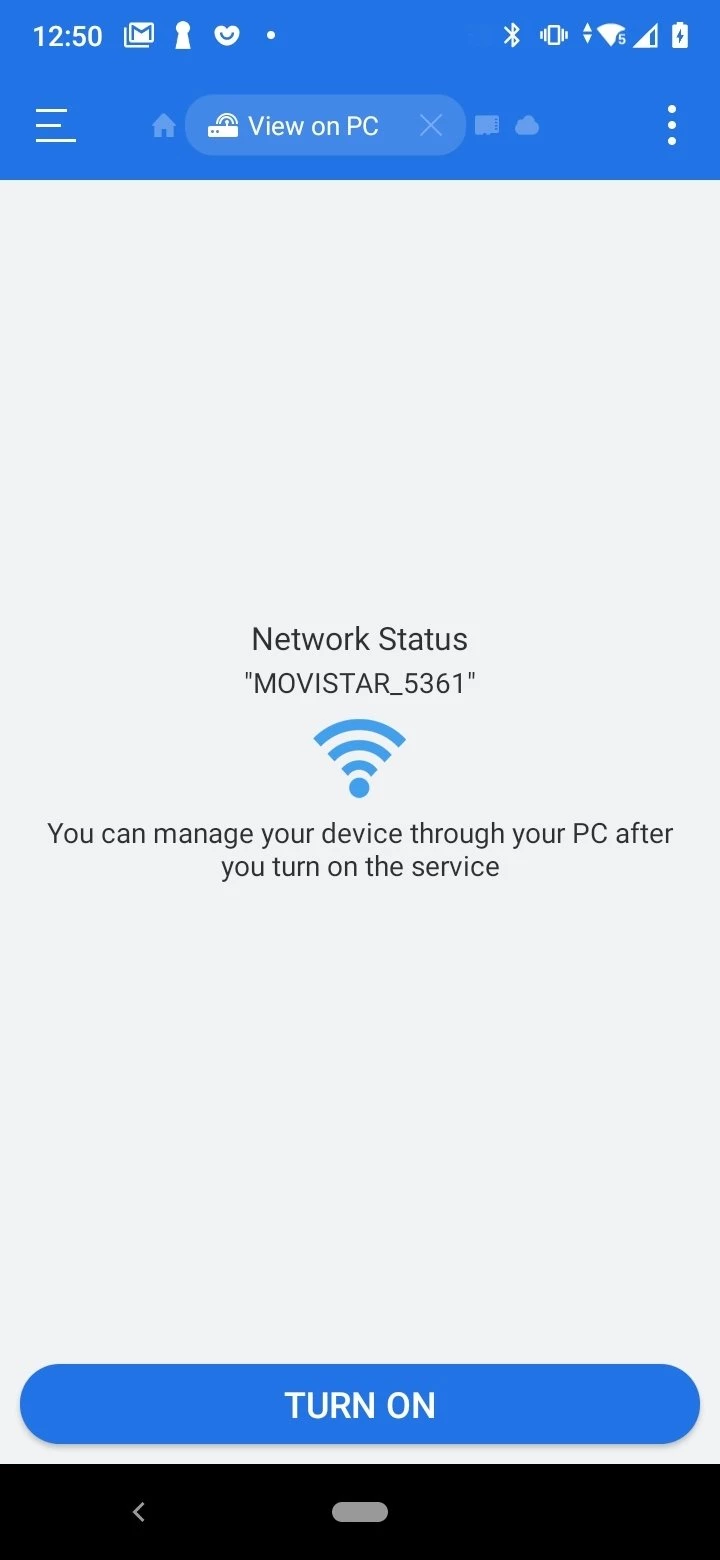
ES File Explorer 4.4.3.7 is a file management app for Android from ES APP Group. It lets you browse folders, copy, move, rename and delete files on your phone or tablet, and you can download ES File Explorer for Android via the developer's website estrongs.com.
| Item | Details |
|---|---|
| Version | 4.4.3.7 |
| Developer | ES APP Group |
| Type | File manager |
| Platforms | Android (also listed for iOS and macOS) |
| Licence | Freeware |
| Size | about 66.08 MB according to catalogue data |
Android hides most of its file system behind apps: photos live in the gallery, downloads in the browser, documents in whatever app opened them. A file manager shows everything in one place, as folders on a computer do. With ES File Explorer you can find a file you downloaded, move photos to a memory card to free up internal storage, rename documents before sending them, or delete large files you forgot about. It is useful for people who handle many documents on the phone, for those who transfer files between a phone and a computer and for anyone who wants more control over storage. Many phones already include a basic file manager; a separate app makes sense when the built-in one feels too limited or confusing.
A file manager has access to everything on your storage, so the source matters. Do not install copies from random APK sites, where modified versions with ads or spyware appear often. Keep the app updated through the official channel, and remove it if you no longer use it. Be careful with any feature that shares files over a network: turn it off when you are done, especially on public Wi-Fi.
ES File Explorer is distributed as freeware.
Once a month, sort the Downloads folder, delete duplicates and old installers, and move photos you want to keep to a computer or cloud storage. A tidy phone is faster to search and less likely to run out of space at a bad moment.
Our listings include ZArchiver for archives on Android and SHAREit, Zapya and EasyShare for sending files between devices.
Zapya is a free Android app from DewMobile for sharing files between nearby phones, tablets and computers without using mobile data.

OPPO Clone Phone is the ColorOS app for copying contacts, messages, photos, apps and settings from an old phone to a new OPPO phone over a direct connection.

EasyShare is vivo's free Android app for transferring files and data between phones, often used when moving to a new vivo device.

Send Files To TV is a free Android app by Yablio for sending files between phones, tablets and Android TV devices over a local Wi-Fi network.

SHAREit is an Android app for sending photos, videos, apps and documents between nearby devices without using mobile data.